We sent the confirmation link to
your email- 1Open the email from WDF.
- 2Tap Confirm Email.
- 3Come back here. We check automatically.
WDF Storefront
Manage orders, coordinate your team, and keep every pickup moving from one place.
Explore storefront tools →
Storefront access
Use the account connected to your storefront. If it does not have one yet, we will start registration.
Open this invitation in WDFPro, or create your employee account below.
Sign in on your phone, then check that both screens show this code.
Check that this code matches the other screen before approving access to your account.
Sign in to approve this browser.
If continuing creates an account, you agree to the WDF Storefront Terms and acknowledge the Storefront Privacy Policy.
Storefront registration
Your WDFPro answers are synced to this account and ready to continue here.
Step 12 of 14
Tap one link in your email. WDF checks it automatically when you return.
We sent the confirmation link to
your emailWe will prefill the business phone saved in your registration.
Dev testing: use phone number (000)-000-0000 and confirmation code 0000. No SMS is sent.
Secure payment setup
Verify the business and representative, connect the bank account that receives payouts, and provide tax information through Stripe's secure embedded form.
Stripe protects banking, tax, and identity information throughout the process.
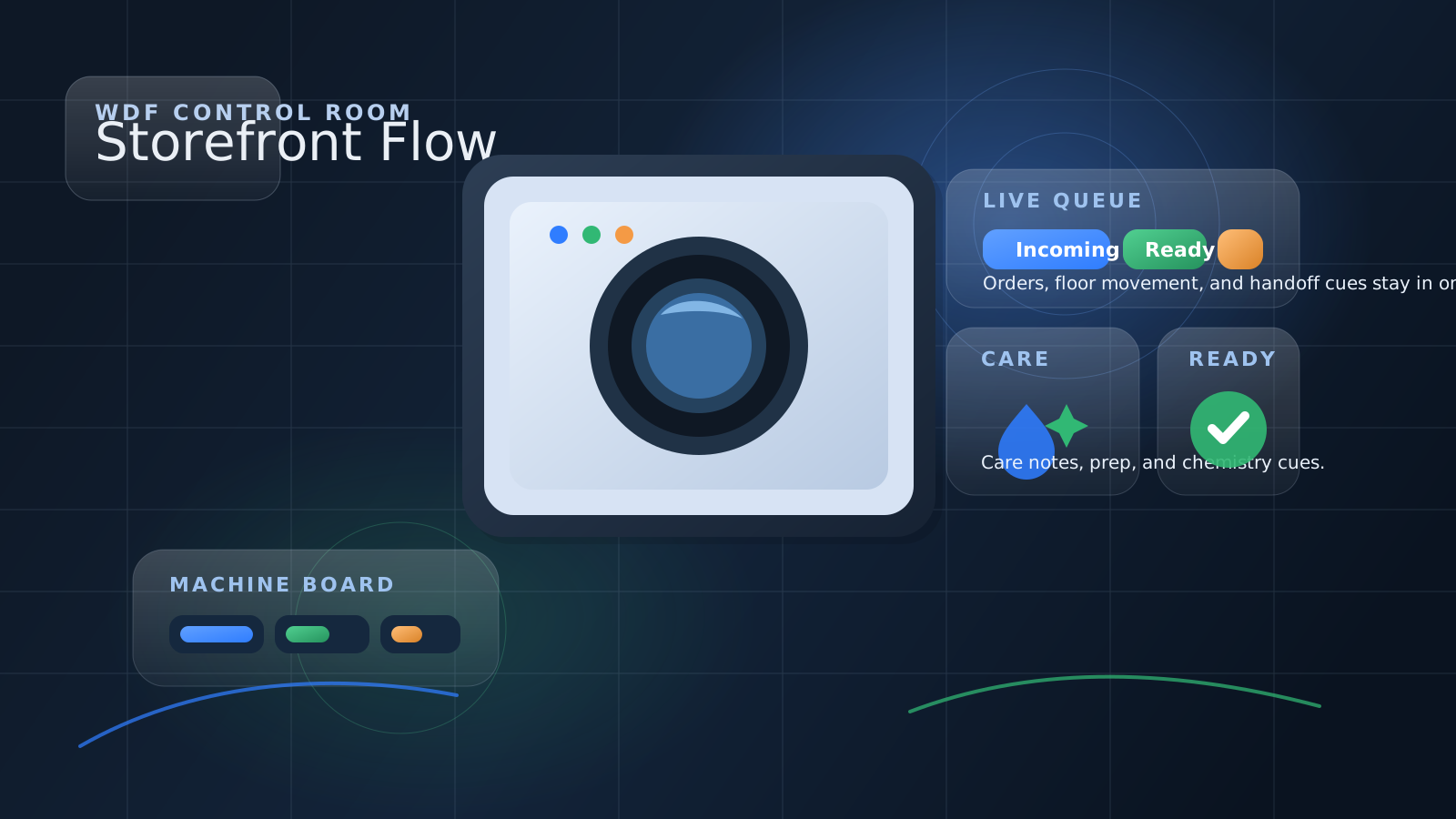
Syncing storefront session.
Syncing account and storefront access.
Active zones linked to this storefront account.
Current floor load and return handoffs.
Storefront Operations
Incoming, in motion, and full queue.
Operations feed
Live viewThe front edge of the floor.
Feed is live.
Workflow lanes
Floor boardWhat moves now, what is moving, what waits.
Full queue
All activeOne list for the whole floor.
No live storefront work.
Syncing floor tools.
Capacity
Turnaround
Care
Ready Desk
Recent Activity
Team
Saved staff and current assignment view.
Dispatch
Local pickup and dropoff assignments.
Machines
Intake
Handoff
No handoff note saved yet.
No shift note saved.
Your Storefronts
No storefronts yet. Tap Add Storefront in WDFPro to publish one.
Inventory
Stock, par levels, notes, and recent movement.
We’re reviewing your current supply levels.
Low supply items will surface here once tracked.
Add an audit date and restock note for shift handoff visibility.
Recent changes
Supplies
Reorder watch
Operations notes
History
No past storefront orders yet.
Settings
Manage your WDFPro storefront account and operations.
WDFPro storefront
Loading signed-in identity.
Business, Stripe, service, capacity, insurance, availability, and policy requirements share the same records as WDFPro.
Storefront Settings
Employees, machines, intake, dispatch, handoff, and inventory for this storefront.
Notifications
The same notification preferences follow this WDFPro account.
Notification Inbox
The full notification inbox remains in WDFPro while browser notifications are connected to the shared account preference record.
Configuration
Current environment and storefront footprint.
This storefront shell routes through the selected Firebase and Vercel surface.
Use the provider account tied to storefront ownership in this environment.
Approval and active state still control whether customers can see each storefront.
Preferences
Saved layout, filters, and navigation state.
Reset your saved storefront layout, feed filter, and collapsed lane state back to the default workspace view.
Employee Access
The team behind the floor, their sign-in email, and what they can control.
Add your storefront team here. WDF automatically emails each employee a secure onboarding link that connects their sign-in to this storefront and only the permissions you choose.
Dispatch Setup
Local delivery controls for this storefront.
If this storefront wants to run its own customer pickup or return dropoff with local employees, turn that on here. These controls stay internal to the storefront team.
Storefront-run local pickup and dropoff are currently off.
Once enabled, active storefront orders can be assigned to saved employees from the dispatch board in Tools.
Floor Setup
The machine map your team works from.
Name your washers, dryers, and folding stations once here so staff can assign live orders from a machine dropdown instead of typing slot names manually.
Intake Setup
Saved handoff and staging locations.
Save the shelf, tag, and staging spots your team uses most so intake logging becomes a quick location pick instead of manual entry.
Handoff
Shared shift continuity for this storefront.
No handoff note saved yet.
No shift note saved.
Account
Profile, verification, password, requirements, and account management.
Permanently removes your WDFPro sign-in and profiles, deletes unfinished storefront applications, and disables owned storefronts.
After deletion finishes, the same email address can be used to create a fresh account. This action is only available from this deeper Account screen.
Profile
Signed-in identity and storefront footprint.
Account summary
Syncing storefront profile.
Identity
Checking provider role.
Signed-in workspace identity.
Business and storefront ownership information comes from your provider profile.
Business profile
Business identity from your provider records.
Primary contact role for this storefront account.
Business or provider phone tied to this account.
Operational email used for storefront contact.
Primary storefront or business address on file.
Coverage summary for storefront operations.
Storefront ownership
Storefront records currently linked to this identity.
Approved and active storefronts visible to customers.
Storefront service types currently supported.
Storefront names
No storefronts linked.
Operations notes
Short public-facing or internal business summary.
Extra storefront operations context from your provider profile.
Storefront weight check
Confirm the final storefront load weight before the wash cycle begins.
Permanent account deletion
This action cannot be undone.
Quick actions
Jump into the next storefront action without losing the feed rhythm.
Internal note
Save internal context for this order that only your staff workspace needs to remember.
Quick replies
Choose a reusable update for chat, support, or your internal note.
Inventory settings
Tune reorder details for this supply or remove it from this storefront's tracker.